
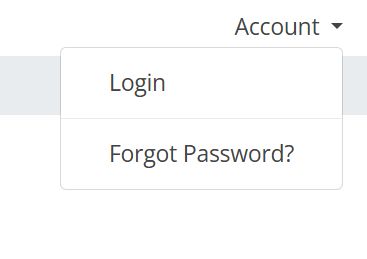
1) Navigate to https://manage.ipm.com and click the Account button. Then select Login
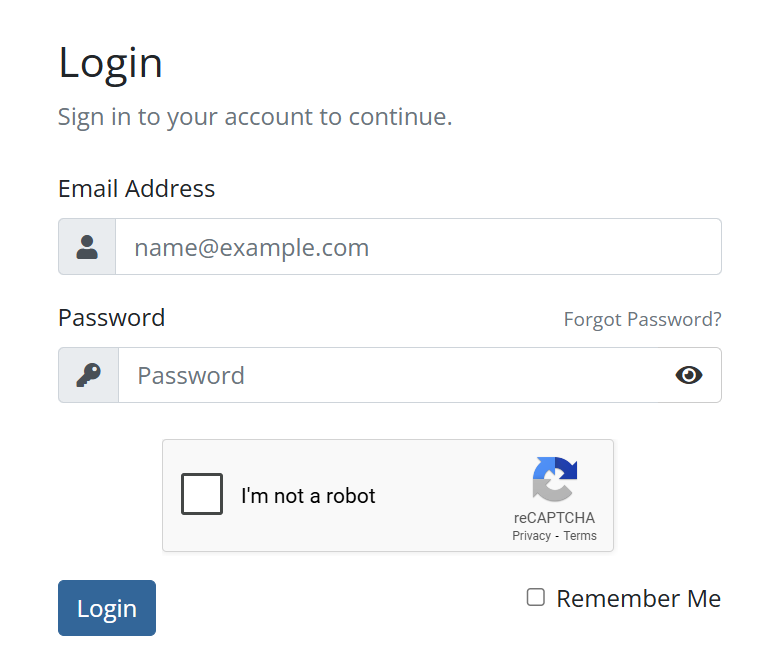
2) Enter your Email Address and Password. Then click Login.
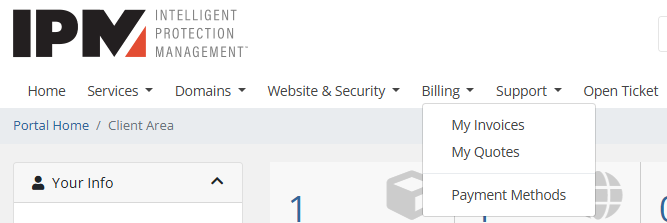
3) Expand the Billing Tab and Select My Invoices
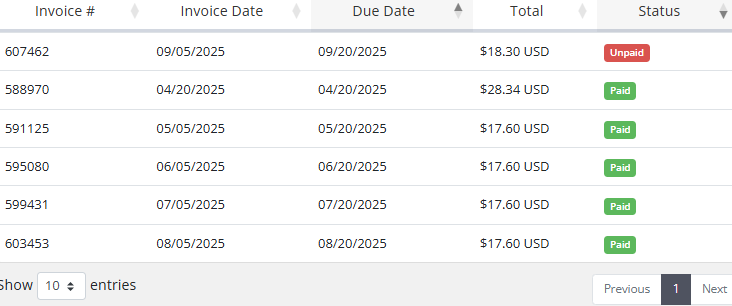
4) To view an Invoice, Click on the Invoice Line
You can always call us directly at 1-877-323-4678.